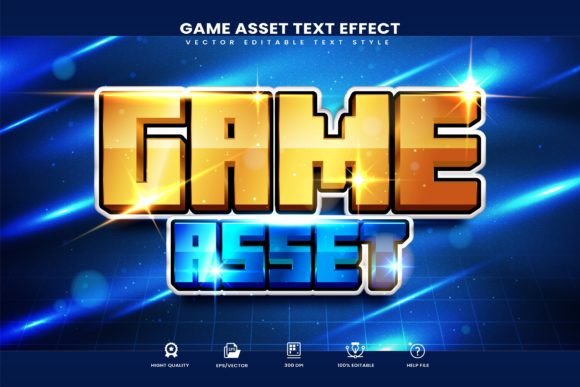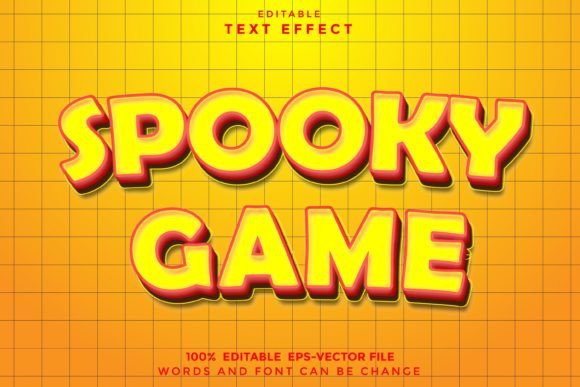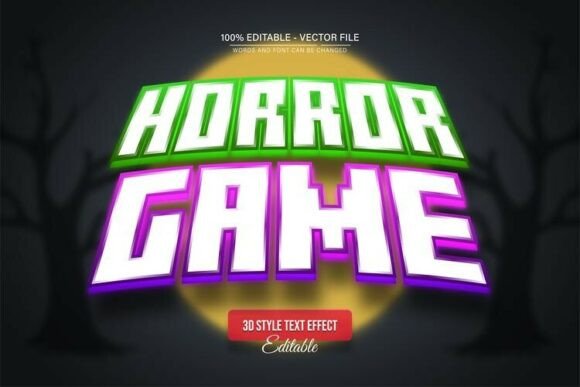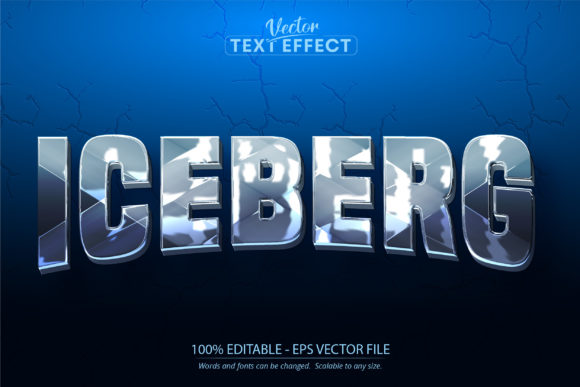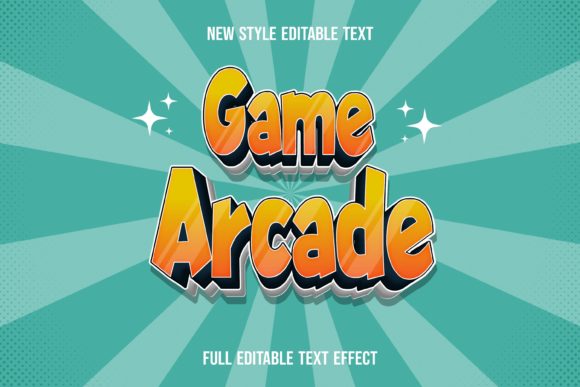
Game Arcade Text Effect: Instant Retro Vibes for Any Design
That familiar electronic chime, the pixelated glow of a high score, the tactile click of a joystick—these sensory memories are powerful. They instantly transport us to a specific time and place, evoking nostalgia, fun, and a sense of playful competition. Capturing that specific, vibrant energy in a modern design project can feel like trying to bottle lightning. You need more than just a retro font; you need the entire atmosphere. This is where a specialized graphic resource, like a Game Arcade-text Effect, becomes an invaluable tool in your creative arsenal. It’s not just a typeface; it’s a complete visual treatment that wraps your words in the authentic look and feel of classic arcade cabinets.
More Than a Font: It's a Full Visual Package
What exactly is a "text effect," and how does it differ from a standard premium font? Think of a font as the skeleton—the basic structure of your letters. A text effect, however, is the skin, clothing, and accessories. It’s a pre-built graphic style that applies complex layers of color, texture, shadow, and highlights to any text or shape you choose. This particular Game Arcade-text Effect is delivered as a fully editable vector EPS file. This is a critical detail. Unlike a static JPEG or PNG, a vector file means every single element—from the glowing neon outlines to the gritty texture overlays—is built from mathematical shapes, not fixed pixels.
This vector foundation unlocks complete creative control. You can open the file in Adobe Illustrator and dissect every component. Want to change the color of the neon glow from electric blue to hot pink? Simply select that shape and adjust. Need to scale your headline for a massive poster without losing any crispness? Vector graphics are resolution-independent, so they remain perfectly sharp at any size. The package typically includes a sample preview in JPEG so you can see the effect in action, but the real power lies in the editable source files. It’s a design asset that works with every font or shape, meaning you can apply this authentic arcade style to any lettering you have, ensuring it aligns perfectly with your existing brand identity.
Where Nostalgia Meets Modern Marketing
The appeal of retro gaming aesthetics has surged beyond niche hobbyists. It’s a full-blown design trend embraced by brands wanting to convey energy, innovation, and a connection to a generation that grew up with pixel art. Integrating this style isn't about being kitschy; it's a strategic choice to stand out. Imagine a tech startup using an arcade-styled logo to suggest cutting-edge yet user-friendly software. Picture a craft brewery's can design featuring a bold, glowing headline that promises a fun, flavorful experience. The effect immediately communicates a specific vibe that flat, minimalist typography sometimes cannot.
For social media managers and content creators, this asset is a shortcut to scroll-stopping visuals. A YouTube thumbnail with a pixel-perfect title, an Instagram story announcing a new product drop with retro flair, or a Facebook ad for a gaming tournament—all benefit from the instant recognition and high engagement this style commands. Bloggers writing about pop culture, indie game developers promoting a new release, or even event planners designing invitations for an 80s-themed party can leverage this effect to create cohesive, eye-catching materials that resonate deeply with their target audience.
Practical Applications Across the Creative Spectrum
The versatility of a well-organized vector text effect is one of its strongest selling points. Because all objects and colors are editable and it’s set in RGB color mode, it’s primed for digital use, but its applications extend far beyond the screen. Let’s break down the practical uses:
- Branding & Logo Design: Create a memorable wordmark or logo lockup that stands out in a crowded market. The unique texture and dimension give your brand name immediate personality.
- Packaging & Merchandise: From sticker sheets and t-shirts to product labels and box art, the high-resolution files ensure your designs look professional on physical items. The scalable vector format is perfect for print.
- Editorial & Print Layouts: Add dynamic pull quotes, chapter titles, or section headers in magazines, brochures, or book covers to grab a reader's attention.
- Web & Digital Design: Use it for website hero sections, promotional banners, email newsletter headers, and digital product covers to create a strong visual hook.
- Marketing Assets: Design compelling posters, flyers, and digital ads that communicate excitement and urgency, perfect for sales, events, or product launches.
Making It Work for Your Project: A Practical Guide
Having a powerful tool is one thing; using it effectively is another. To get the most out of this resource, think like a designer and a strategist. First, consider the personality of your project. The arcade effect is bold, energetic, and slightly nostalgic. It pairs best with projects that share those qualities. It might not be the ideal choice for a serious law firm's website, but it could be perfect for a mobile game developer or a retro-themed café.
Next, focus on font pairing and readability. While the effect itself is a showstopper, the body text around it needs to be clear and legible. Pair your arcade-styled headline with a clean, simple sans-serif font like Open Sans, Lato, or Montserrat for supporting copy. This creates a visual hierarchy that guides the viewer’s eye. Always test your design at different sizes to ensure the detailed text effect doesn’t become muddy when scaled down for a mobile screen or a small social media icon.
Finally, a note on licensing and organization. A reputable resource will come with a clear commercial license, allowing you to use the designs you create for client work and commercial products. The "well-organized shapes" mentioned in the file description are a lifesaver. Take a few minutes to explore the layers in Adobe Illustrator. Understanding how the highlights, shadows, and base colors are structured will make customization intuitive and fast. This isn’t just a download; it’s an addition to your professional toolkit, ready to help you build stronger visual consistency and more engaging brand narratives. It transforms a simple word into an experience, tapping into a universal language of fun and innovation that continues to captivate audiences.