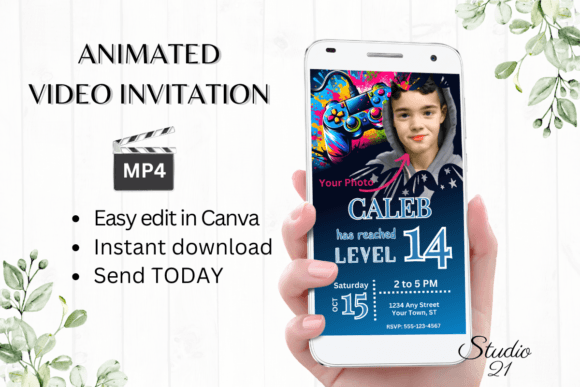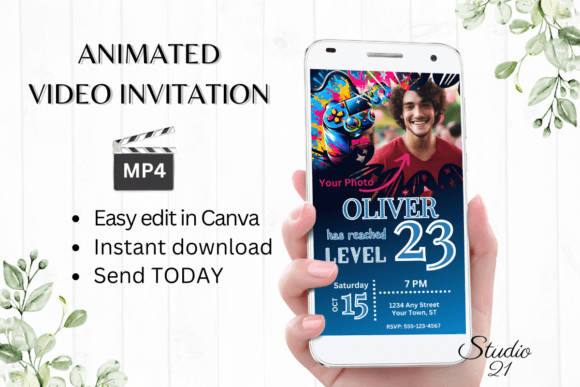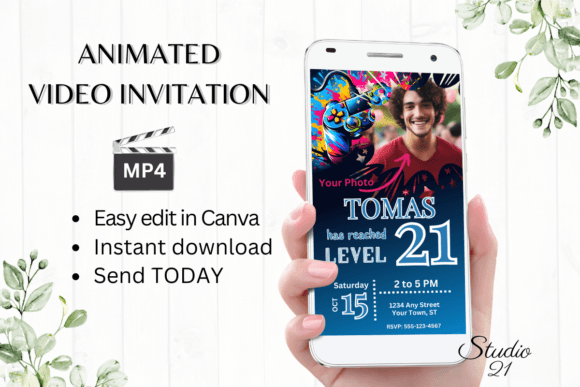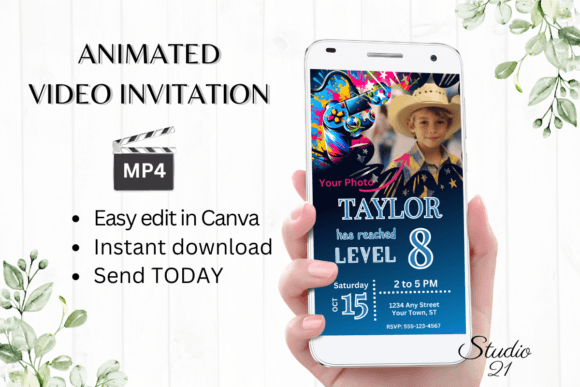
Level Up Your Next Celebration: The Ultimate Gamer 12 Digital Invite
Planning a birthday party for a young gamer can feel like a quest in itself. You want something that captures their passion, impresses their friends, and gets everyone excited to log in for the event. Traditional paper invites often fall flat, lacking the dynamic energy that defines modern gaming culture. That’s where a digital solution shines, offering a blend of visual flair and practical convenience that paper simply can’t match.
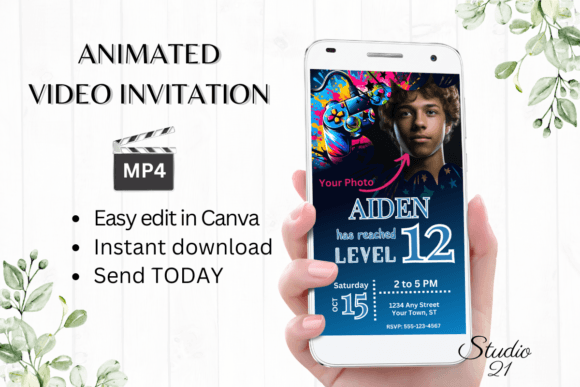
The Video Game Birthday Invite - Gamer 12 template is designed to bridge that gap. It’s not just an invitation; it’s a digital experience built within a familiar and powerful design platform. This approach puts creative control directly in your hands, allowing you to craft a personalized evite that feels authentic to the guest of honor’s favorite hobby, all without needing a degree in graphic design or access to specialized software.
Why a Digital Animated Invitation Changes the Game
Static images are fine, but animation captures attention in a way that a flat graphic cannot. A subtle glitch effect, a pulsing button, or a character sprite jumping across the screen immediately signals that this is something different. For a gaming-themed party, this animated element is crucial. It mirrors the interactive and dynamic nature of video games themselves, making the invitation part of the fun from the moment it’s received.
Beyond the cool factor, the practical benefits are significant. There’s no printing cost, no postage, and no waiting for deliveries. Once you finalize your design, you can download it as an MP4 file and share it instantly via text, social media direct messages, or email. This speed is perfect for last-minute planning or for ensuring your invite doesn’t get lost in a pile of mail. The template’s dimensions (1080 x 1920 px) are optimized for mobile viewing, ensuring it looks crisp and professional on the primary device most people use to check their messages.
A Designer’s Playground: Customizing Your Invite in Canva
The true power of this template lies in its integration with Canva. For those unfamiliar, Canva is a user-friendly, browser-based design tool that eliminates the common hurdles of graphic software. You receive a PDF with a direct link to a fully editable copy of the template. This means you can dive in and start personalizing immediately.
The editing options are extensive yet intuitive. You have complete freedom to:
- Transform the Text: Change every word to include your child’s name, age, party details, and any fun gaming lingo or rules you want to add. You can also alter the font style, color, and size to better match your vision or the guest of honor’s favorite game aesthetic.
- Refine the Visuals: Adjust text effects like shadows or outlines to make key information pop. The animation settings themselves can be tweaked to change the timing or style of the movement, allowing for a truly custom feel.
- Work Anywhere: Because Canva operates in the cloud, you can start a design on your computer and make quick tweaks on your smartphone later. This flexibility is invaluable when you’re juggling party planning with a busy schedule.
This process isn’t just about changing details; it’s about applying core design principles to a real-world project. You’re making choices about visual hierarchy (what information is most prominent), color psychology (what colors evoke excitement or match a game’s theme), and typography pairing (how different fonts work together). It’s a hands-on lesson in branding and visual communication, resulting in a tangible, usable asset.
Beyond the Party: Applying Design Skills to Brand and Marketing Assets
The skills you hone while customizing this invitation have direct applications across countless other creative and commercial projects. The same principles of choosing a compelling font style, ensuring readability, and creating visual consistency are the bedrock of effective design for:
- Social Media Graphics: Creating eye-catching posts, Stories, or thumbnails that stop the scroll and communicate a clear message.
- Small Business Branding: Designing logos, packaging, or promotional materials that tell a cohesive brand story and build recognition.
- Digital Products & Marketing: Developing lead magnets, email headers, or webinar slides that look polished and professional, building trust with your audience.
- Personal Projects: Crafting blog graphics, YouTube channel art, or merchandise designs that reflect your unique style and engage your community.
Working with a template like Gamer 12 demystifies the design process. It shows you how modern typography and animation can work together to create a mood—whether that’s the energetic, pixelated feel of retro gaming or the sleek, neon-lit vibe of futuristic esports. You learn to match the visual style to the project’s goal, a critical skill for any designer, marketer, or content creator.
Practical Considerations for a Flawless Launch
Before you send your masterpiece out into the world, a few practical checks will ensure everything goes smoothly. First, always preview your final animation. Watch the MP4 file on your own phone and computer to confirm the text is readable, the animations play correctly, and the timing feels right. Remember, colors can appear slightly different across devices, so what you see on your screen might vary from what your guests see.
Second, think about your sharing method. The template provides options to download the MP4 for direct sharing or to generate a link for email. Consider your audience: are they more likely to open a text message with a video attachment or an email with a linked preview? You can also leverage the link to share the invitation on platforms like Discord or within a private Facebook event, which is particularly fitting for a gaming community.
Finally, remember that this is a digital asset you can edit at any time. Need to update the RSVP date? Want to add a last-minute detail about a tournament bracket? Simply log back into your Canva account, make the change, re-download, and redistribute. This iterative capability removes the stress of finality that comes with printed materials.
In the end, the goal is to create excitement and clarity. A well-executed digital invitation does more than just convey information; it sets the tone for the entire event. By leveraging the Gamer 12 template, you’re not just sending an invite—you’re crafting the first level of an unforgettable birthday adventure, using design as your most powerful tool.