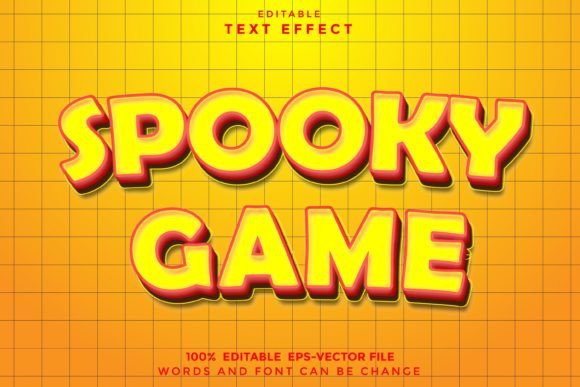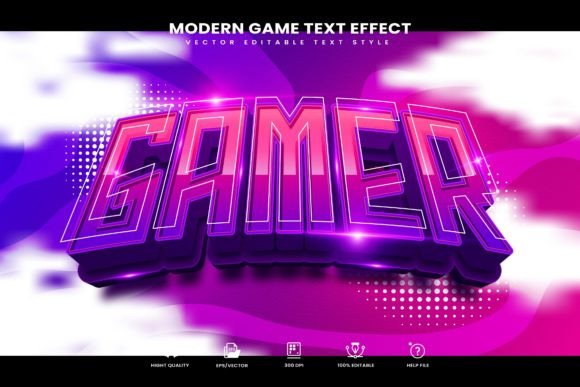
Modern Game Editable Text Effect: A Designer's Guide
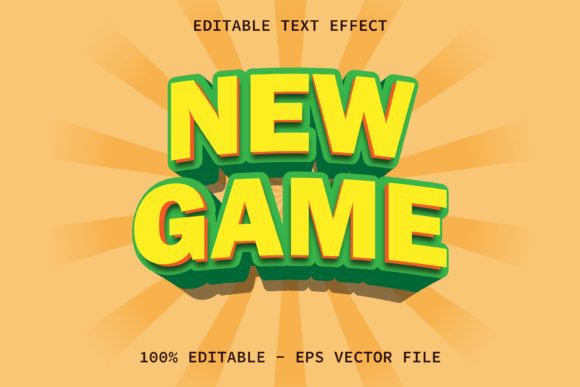
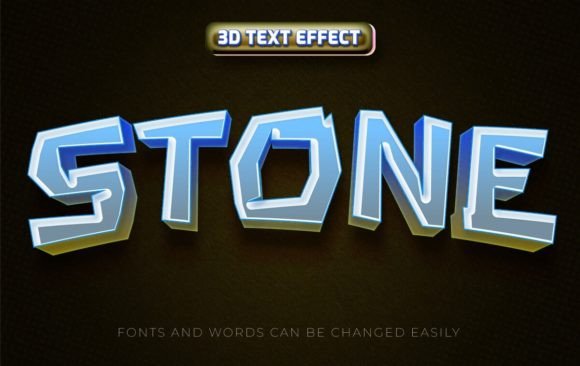
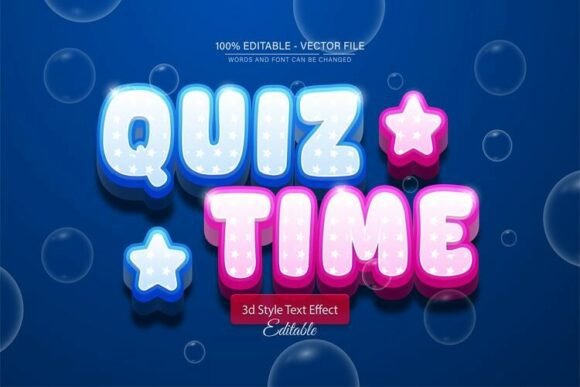
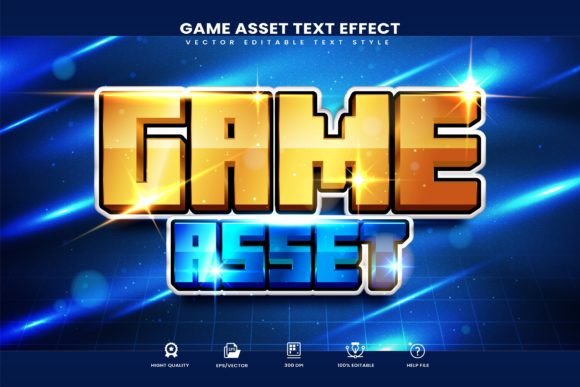
You've just designed a killer logo for a new indie game studio, or maybe a bold poster for an esports tournament. The layout is perfect, the colors pop, but the text feels... flat. It lacks that punch, that visceral energy that screams "player one, ready." This is where a specialized asset like the Modern Game Editable Text Effect comes in. It's not just a font; it's a complete vector graphic style package designed to inject that high-octane, contemporary gaming aesthetic directly into your Adobe Illustrator workflow with a single click.
This collection of vector text style effects is built for efficiency and impact. Instead of spending hours manually creating bevels, glows, and textures, you apply a pre-built, yet fully customizable, style from the Graphic Styles menu. The "editable" part is crucial. You're not locked into a static raster image. You can change the text to anything you want, adjust the underlying vector shapes, and tweak colors to match your project's palette perfectly. It's a premium design asset that bridges the gap between a static font and a complex custom effect, saving you time while delivering professional-grade results.
Beyond the High Score: Real-World Applications
While its name points directly to gaming, the versatile, bold, and modern character of this text effect has far broader applications. Think about the visual language of tech startups, music festivals, or youth-oriented apparel brands. They all share a need for typography that feels dynamic, confident, and cutting-edge.
For logo design and brand identity, this effect can be the cornerstone of a visual system. Imagine a streaming channel logo, a mobile app icon, or the masthead for a tech blog. The effect provides an instant sense of modernity and energy. In packaging design, especially for products like energy drinks, gaming peripherals, or even limited-edition snack collaborations, it can make a product leap off the shelf. The same principle applies to social media graphics—a thumbnail, story, or banner using this style will stop the scroll, conveying excitement and professionalism in a split second.
For print materials like event posters, flyers for a LAN party, or even bold invitations for a launch party, the 300 dpi RGB file ensures your designs are crisp and vibrant. Merchandise like t-shirts, hats, and stickers is another natural fit, where the bold style translates beautifully to fabric and vinyl. Even in editorial layouts for magazines or digital web design headers, a strategic use of this effect can create powerful focal points and guide the reader's eye.
Practical Integration into Your Creative Workflow
Getting started is intentionally simple, which is a major advantage for busy creators. After installing the files, you open the Graphic Styles panel in Illustrator (Window > Graphic Styles). You'll see the new styles loaded. Simply type your text with the Type Tool, select it, and then click on the desired style in the panel. The transformation is instant. This one-click application is perfect for quickly testing different looks during the conceptual phase of a project.
The real power, however, lies in the customization. Because everything is vector and well-organized, you can dive deeper. Double-click the style in the panel to open its options. Here, you can modify the appearance attributes—perhaps you want to soften the bevel, change a gradient's direction, or alter the color of an inner glow. You can also ungroup the styled text to manipulate individual vector paths, allowing for truly unique compositions. The included documentation and font links are invaluable, ensuring you can replicate the exact look shown in the previews and understand how to modify it effectively.
When choosing which style to use, consider your project's goal. A style with a sharp, metallic finish might suit a sci-fi theme, while one with a gritty, textured overlay could be perfect for a post-apocalyptic game. Always test the text effect at the actual size it will be viewed. A style that looks incredible zoomed in on your artboard might lose detail or become muddy when scaled down for a website favicon. Pairing is also key. This bold display style will almost always work best alongside a clean, simple sans-serif font for body text to ensure overall readability and visual consistency.
Aligning Style with Strategy
A font or text effect is more than decoration; it's a communication tool. The Modern Game Editable Text Effect communicates speed, technology, and contemporary cool. It's a creative font solution that helps build brand recognition by creating a distinct and memorable visual signature. When your audience consistently sees this style across your marketing assets, from your website to your social media, it reinforces your brand's personality.
However, context is everything. This style is a display font at its core—meant for headlines, titles, and short, impactful phrases. Using it for long paragraphs of body copy would be a readability disaster. Its strength is in grabbing attention, not in sustained reading. Always consider your audience. A design targeting hardcore gamers will respond to a different nuance of this style than one targeting casual mobile gamers or a tech-savvy professional audience.
Before finalizing any design, review the full set of included styles. The package likely contains variations—perhaps different color schemes, levels of intensity, or subtle texture differences. Choosing the right one can make all the difference in matching the specific mood of your project. Finally, a crucial step for any commercial project: review the licensing. The included help info should clarify the terms for using the effect in commercial products like sold merchandise or client work, ensuring your professional presentation is also legally sound.
In a digital landscape saturated with generic visuals, having a tool that allows you to create bold, consistent, and engaging typography quickly is a significant asset. This particular collection offers a practical bridge between a standard typeface and complex custom work, empowering designers, entrepreneurs, and creators to produce eye-catching graphics that resonate with a modern audience. It’s about working smarter, not just harder, to achieve a polished and energetic visual impact.