Dynamic Typography for Gaming and Beyond
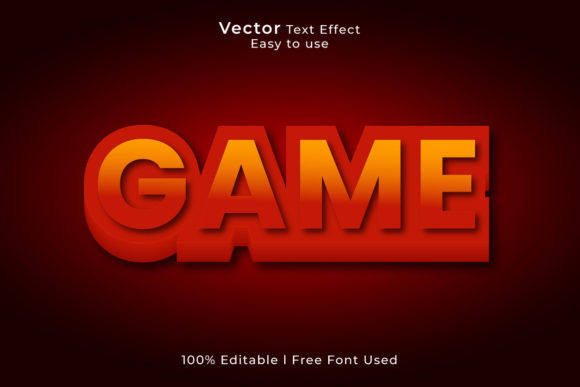
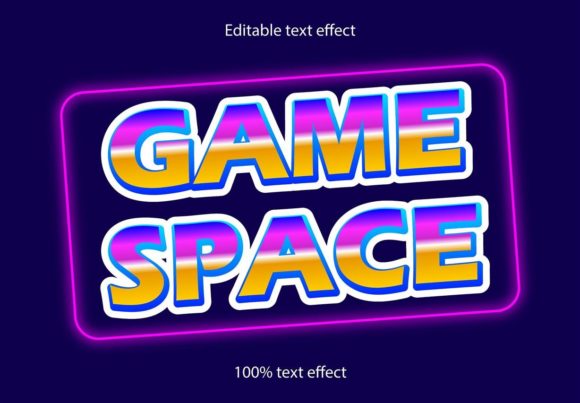
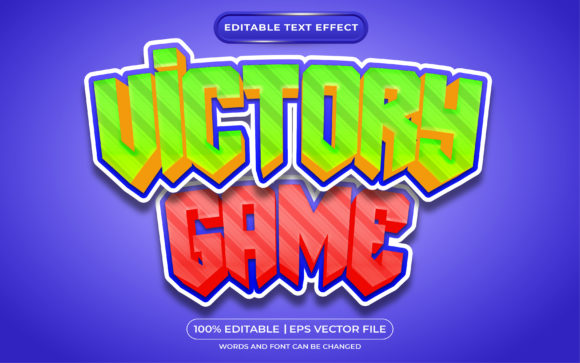
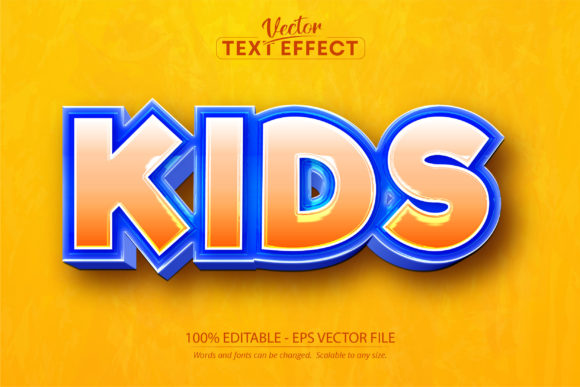
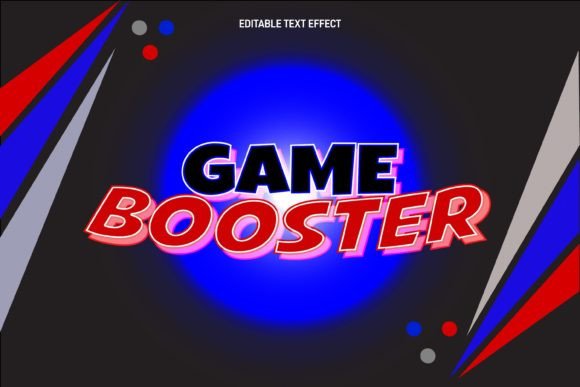
In the fast-paced world of digital design, static text often fails to capture the high-energy, immersive experience that modern audiences crave. Whether you are designing a channel banner for a streamer, branding a new mobile app, or creating merchandise for a gaming convention, the typography needs to do more than just spell out words—it needs to vibrate with intensity. This is where the Game Booster Editable Text Effect steps in, offering a solution that bridges the gap between standard fonts and high-end motion graphics aesthetics. It is a specialized design asset that transforms flat, boring letters into multidimensional, textured visuals that scream excitement.
Understanding the Vector Advantage
One of the most common misconceptions in the design community is the difference between a font file and a text effect. A standard font file, such as a .TTF or .OTF, installs into your operating system and allows you to type characters. While useful, these are often limited in visual flair. The Game Booster Editable Text Effect, however, is not a font you install; it is a sophisticated Adobe Illustrator vector file. This distinction is crucial for anyone serious about their visual identity. Because it functions as a scalable vector effect, it maintains crystal-clear quality whether it is scaled down for a favicon or blown up for a massive trade show banner.
For designers who rely on Adobe Illustrator, this asset is a game-changer. The file format typically includes an EPS or AI file that utilizes Illustrator’s appearance panel and graphic styles. This means you aren't just getting a static image of text; you are getting a layered, editable style sheet. You can apply this effect to any font you already own, or even apply it to custom shapes and logos. This level of versatility is what separates amateur designs from professional-grade marketing materials. It allows for a cohesive look across different platforms without needing to recreate the effect from scratch every time.
Real-World Applications for Modern Creators
The versatility of the Game Booster Editable Text Effect extends far beyond just video game posters. Its dynamic, often metallic or glossy finish makes it suitable for a wide array of creative projects. Consider the needs of a small business owner launching a new energy drink or a tech startup. The branding needs to feel futuristic and powerful. Using this effect on the logo or packaging design instantly communicates that the product is modern and high-performance.
Here are some practical ways this asset can elevate your work:
- Logo Design and Brand Identity: Creating a memorable logo is about distinctiveness. Applying a 3D or chrome effect to your logotype can help it stand out in a crowded market, particularly in the tech, automotive, or entertainment sectors.
- Social Media Graphics: Platforms like Instagram, Twitch, and YouTube are visual battlegrounds. Thumbnails and banners need to grab attention in milliseconds. The glossy, high-contrast look of this text effect ensures your titles pop against busy backgrounds.
- Merchandise and Apparel: T-shirt designs and hoodies often suffer from flat graphics. This effect adds the depth and texture needed to make print-on-demand products look premium and desirable to fans.
- Event Invitations and Posters: Whether it is a gaming tournament, a product launch party, or a cyberpunk-themed event, the typography sets the mood. This effect provides that "wow" factor that encourages people to attend.
- Packaging Design: In retail, shelf appeal is everything. A metallic or embossed text effect on product boxes can make an item look more expensive and luxurious than it actually is, influencing buyer behavior.
Streamlining Your Workflow with Editable Typography
Time is money, especially for freelancers and agency designers juggling multiple clients. One of the biggest advantages of using the Game Booster Editable Text Effect is the efficiency it brings to the creative process. Instead of spending hours trying to recreate complex layer styles, bevels, and textures in Photoshop or Illustrator, you can apply a pre-made, high-quality style with a single click.
The "editable" nature of this asset is its strongest feature. You are not locked into a specific typeface. If a client decides at the last minute that they want to switch from a sans-serif font to a heavy serif font, you don't have to start over. You simply swap the text, and the effect updates instantly to fit the new letterforms. This flexibility is invaluable during the revision stages of a project. It allows you to experiment with different typography pairings—perhaps matching the heavy, dynamic effect of the headline with a clean, minimalist sans-serif for the body text—to achieve the perfect visual hierarchy.
Enhancing Readability and Engagement
While decorative fonts can sometimes sacrifice readability for style, a text effect applied to a standard, legible typeface offers the best of both worlds. The Game Booster Editable Text Effect adds visual weight and contrast, which actually helps guide the viewer's eye. In marketing, this is known as visual anchoring. A bold, textured headline anchors the page and draws the reader into the content.
When designing for the web or mobile devices, contrast is key to accessibility. The highlights and shadows inherent in this effect create a natural separation from the background, ensuring that your message is not lost. For content creators and bloggers, this can mean the difference between a user scrolling past a post or stopping to read it. It adds a layer of professionalism that builds trust with the audience. If your visuals look polished and high-end, your audience is more likely to perceive your content or product as high-quality.
Strategic Typography for Brand Consistency
Building a strong brand identity requires consistency. You want your audience to recognize your style instantly, whether they are looking at your website, your Instagram story, or a printed flyer. By incorporating a distinct text effect like the Game Booster Editable Text Effect into your style guide, you create a signature look.
For example, a fitness influencer might use this effect exclusively for their workout program titles, creating a recurring visual motif that followers associate with high energy and intensity. A tech reviewer might use it for their "Top Pick" badges in video thumbnails. This strategic use of typography helps in reinforcing brand recognition over time. It moves beyond just having a logo; it creates an entire visual language that resonates with the target demographic.
Furthermore, the ability to scale the vector to any size ensures that your brand assets look consistent across all mediums. There is no pixelation or loss of quality when moving from a digital screen to a physical print. This is a non-negotiable requirement for professional branding, and it is a feature that this specific design asset delivers reliably.
Practical Tips for Implementation
To get the most out of this design asset, consider the context of your project. While the effect is visually striking, it works best when balanced with simpler design elements. If you use a heavy, textured effect for your headlines, ensure your background is relatively clean to avoid visual clutter. Pairing the Game Booster Editable Text Effect with a complementary sans-serif font for body copy creates a harmonious balance that is easy on the eyes.
Always check the licensing of the asset if you are using it for commercial purposes. Most premium design assets come with a license that allows for use in end products for sale, but it is always good practice to verify the terms to avoid legal issues down the road. By integrating this tool into your design toolkit, you equip yourself with the ability to produce high-impact, professional graphics that capture attention and drive engagement, regardless of the project size. It is a practical investment for anyone looking to elevate their visual communication without spending hours on manual design work.