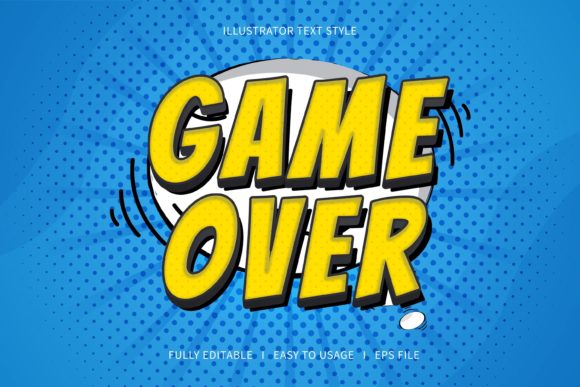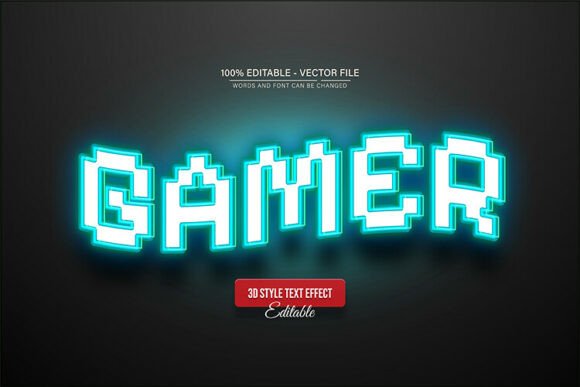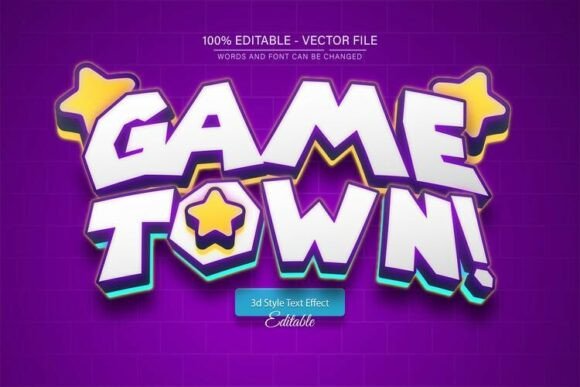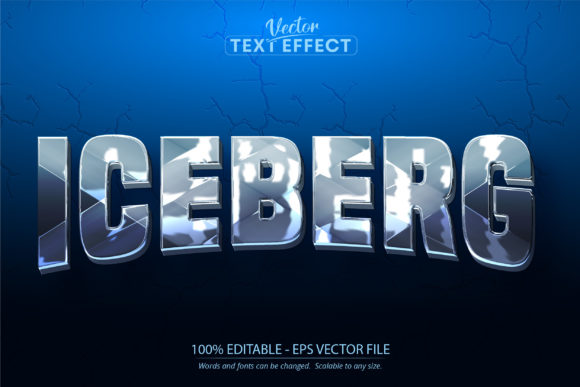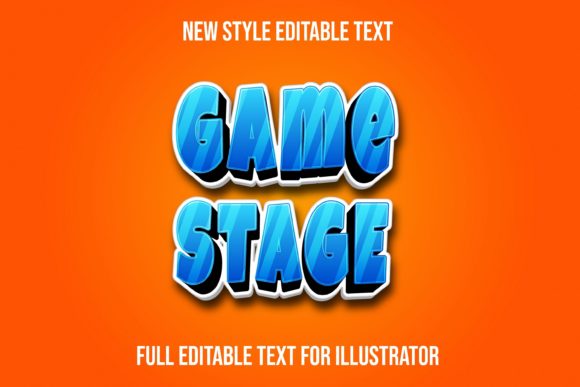
Game Stage Text Effect: A Dynamic Vector Toolkit for Designers
Imagine you need a headline that doesn’t just sit on the page but practically jumps off it. Whether you are designing a menu for a retro arcade bar, creating a thumbnail for a gaming YouTube channel, or branding a new tech startup, static text often falls flat. You need energy, depth, and that specific "arcade" vibe that captures attention instantly. This is where a high-quality Game Stage Text Effect becomes an indispensable asset in your creative library. It bridges the gap between flat design and immersive visual storytelling, allowing you to transform standard letters into 3D, vibrant objects with just a few clicks.
The Power of Fully Editable Typography
One of the most frustrating aspects of buying design assets is discovering they are rigid. You download a cool text style only to find you can’t change the colors, or the resolution is too low for print. The Game Stage Text Effect solves this by offering a 100% vector solution. Because it is delivered in VECTOR EPS format, the scalability is infinite. You can use this effect on a business card or blow it up for a billboard without losing a single pixel of quality. It is designed for Adobe Illustrator, giving you full control over every anchor point and gradient.
This level of editability is crucial for brand identity. If your brand uses a specific shade of neon green or a particular metallic finish, you need to be able to apply those exact specifications to your typography. With this asset, all objects and colors are editable. You aren't locked into a "one-size-fits-all" look; you are buying a versatile toolkit that adapts to your specific creative vision.
Practical Applications: From Screens to Street
Versatility is the hallmark of a great design asset. A style that only works for one niche limits your return on investment. However, the aesthetic of the Game Stage Text Effect—characterized by bold shapes, dynamic shadows, and energetic movement—lends itself to a surprisingly wide range of projects.
- Logo Design & Branding: Perfect for e-sports teams, gaming cafes, tech repair shops, or any brand that wants to project a modern, energetic image. A display font treated with this effect creates a memorable mark that stands out in a crowded market.
- Packaging Design: If you are designing packaging for snacks, energy drinks, or tech accessories, this effect adds a layer of excitement that appeals to younger demographics. It suggests that the product inside is fun and high-energy.
- Social Media Graphics: On platforms like Instagram or TikTok, you have milliseconds to stop the scroll. Bold, 3D typography creates immediate visual hierarchy. Use it for sale announcements, event promotions, or channel branding to boost audience engagement.
- Merchandise & Apparel: T-shirt designs, hoodies, and stickers often rely on impactful text. This vector effect ensures your prints look crisp and professional, whether you are using DTG printing or screen printing.
- Poster & Editorial Design: Create eye-catching posters for gaming tournaments, movie nights, or music festivals. In editorial design, use it sparingly for drop caps or section headers to inject personality into a layout.
Streamlining Your Workflow
Time is money in the design world. Manually creating bevels, shadows, and textured gradients in Illustrator can take hours, and getting the lighting to look realistic is often difficult. The Game Stage Text Effect is built to work directly within the Graphic Style panel. This means you simply type your text, select the style, and the complex layering effects are applied instantly.
Furthermore, the package includes sample previews in JPEG and high-resolution files, allowing you to see exactly how the effect should look before you start tweaking it. Because the shapes are well-organized, you won’t waste time untangling messy layers. This efficiency allows you to focus on the creative aspects of your project—like choosing the right font pairing—rather than technical troubleshooting.
Choosing the Right Typeface for the Effect
While the Game Stage Text Effect is designed to work with every shape and font, the underlying typeface you choose will significantly impact the final result. This effect tends to work best with bold, geometric typefaces. A thin script font might get lost under the weight of the 3D shadows, whereas a heavy sans serif font or a blocky serif font will provide a solid foundation for the effect to shine.
Consider the personality of your project. Are you going for a retro 8-bit vibe? Look for a pixelated or monospaced font. Are you aiming for a futuristic sci-fi feel? Choose a wide, industrial sans-serif. The ability to mix this vector effect with different fonts means you can create dozens of unique looks from a single asset, making it a premium font style enhancer for your toolkit.
Ensuring Professional Presentation and Readability
While flashy effects are great for grabbing attention, they must not sacrifice readability. A common mistake in modern typography is applying so many effects that the text becomes illegible, especially at smaller sizes. When using the Game Stage Text Effect, always step back and view your design at the intended output size.
If you are designing for web design or mobile screens, ensure the contrast between the text color and the background remains high. The RGB color mode included in this package is optimized for digital screens, ensuring your neon glows and vibrant gradients look exactly as intended on monitors and smartphones. However, if you are moving this to print, remember to convert your color mode to CMYK and check your ink limits to ensure the deep blacks and bright colors translate well to paper.
Commercial Licensing and Value
For entrepreneurs and small business owners, understanding the licensing of your design assets is vital. Most high-quality vector effects come with a commercial license, allowing you to use them in products you sell—like t-shirts, mugs, or digital templates. However, always verify the specific terms regarding the font used inside the effect. As noted, the "font is not included," meaning you should pair this effect with a font you already own or have licensed for commercial use.
By investing in a robust vector toolkit like this, you are essentially future-proofing your design capabilities. You are not just buying a static image; you are buying a flexible system that enhances your visual consistency across all platforms. Whether you are a seasoned designer looking to speed up your workflow or a content creator trying to elevate your brand's visual language, the Game Stage Text Effect offers a practical, stylish, and highly functional solution for making your text truly stand out.